The Packages section keeps track of all deliveries received at your location. Whether it's a package addressed to you or one you're managing on behalf of someone else, everything is in one convenient place.
What You'll See
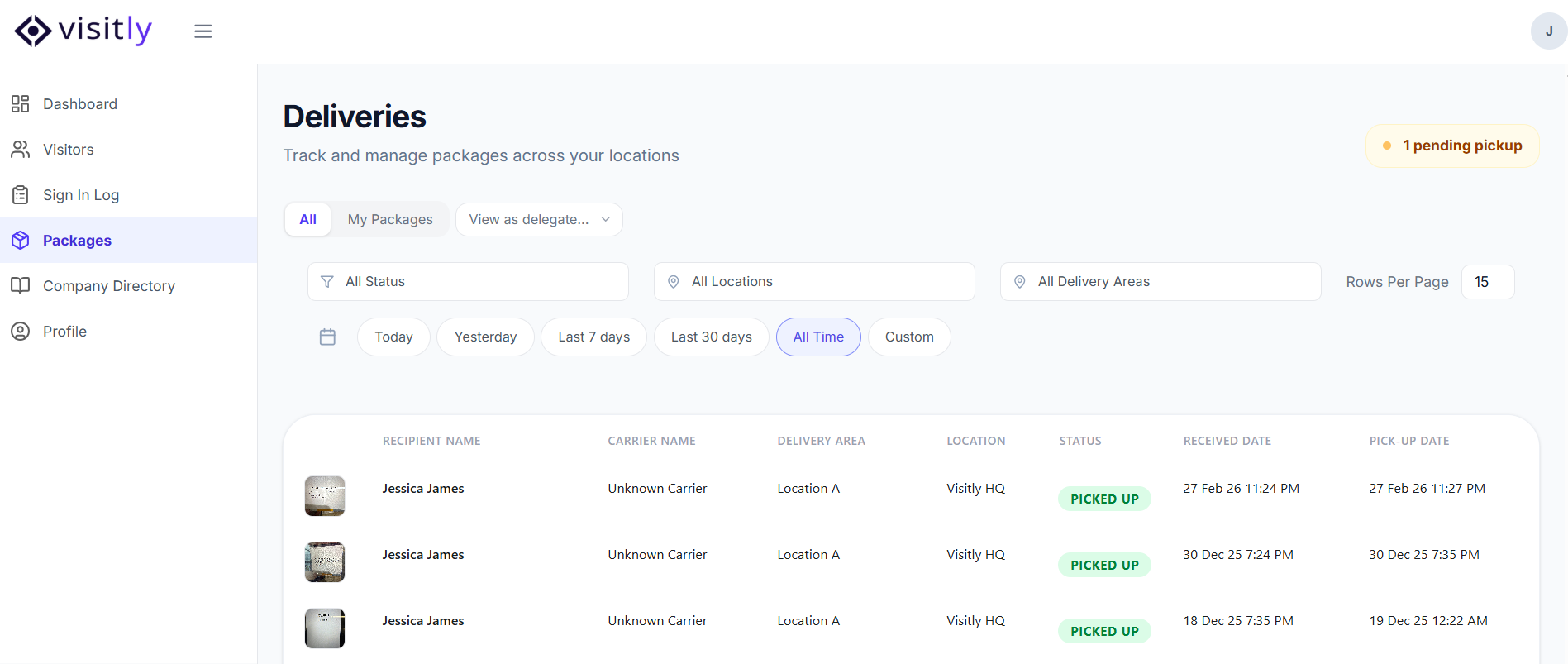
Your Packages view shows all deliveries assigned to you, along with deliveries for any hosts you are acting as a delegate for. Each entry includes the key details of the delivery so you can quickly identify and act on it.
Filters
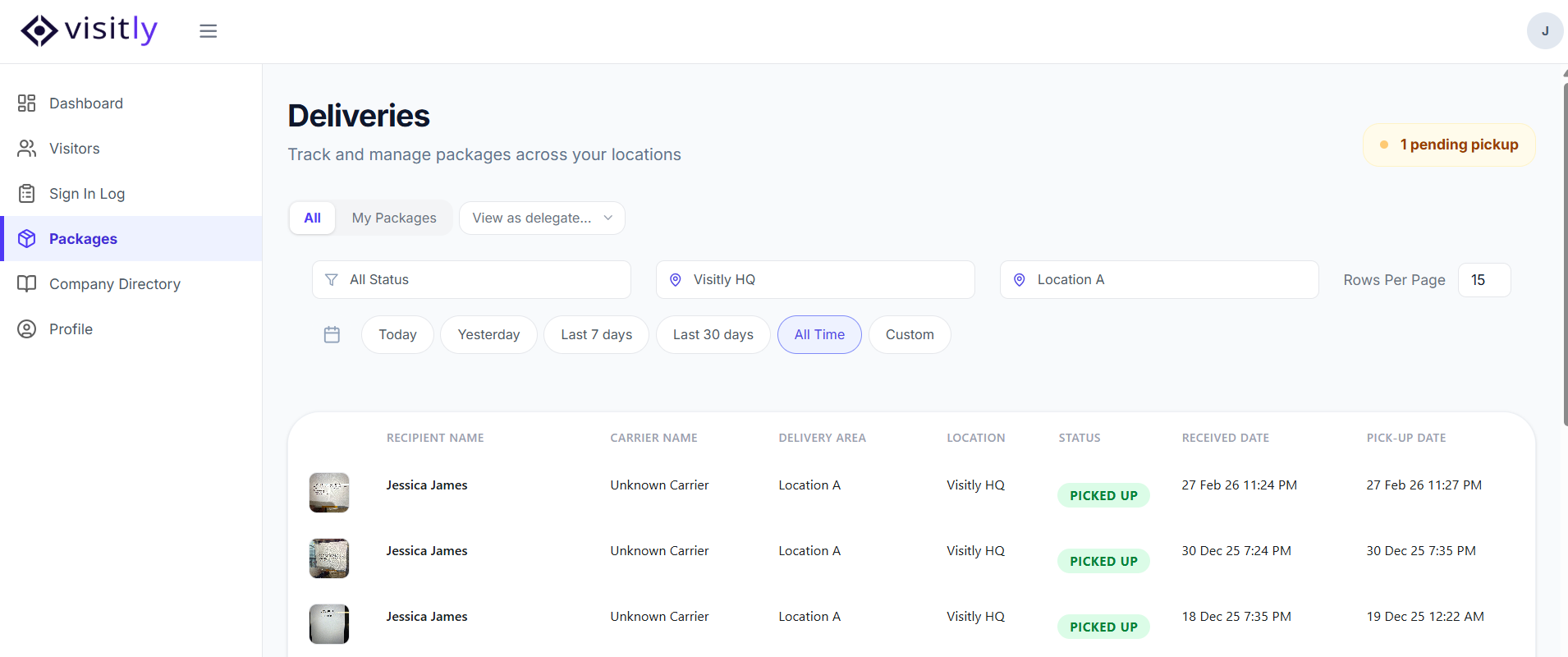
You can narrow down your deliveries using the following filters:
- Location — Filter packages by a specific location.
- Delivery Area — Narrow down by the area or zone within a location where the delivery was received.
- Duration — View deliveries within a selected time range.
- View toggle:
- All — Shows all deliveries at the location.
- My Packages — Shows only deliveries addressed to you.
- View as Delegate — Shows deliveries for hosts you are acting as a delegate for.
Package Details
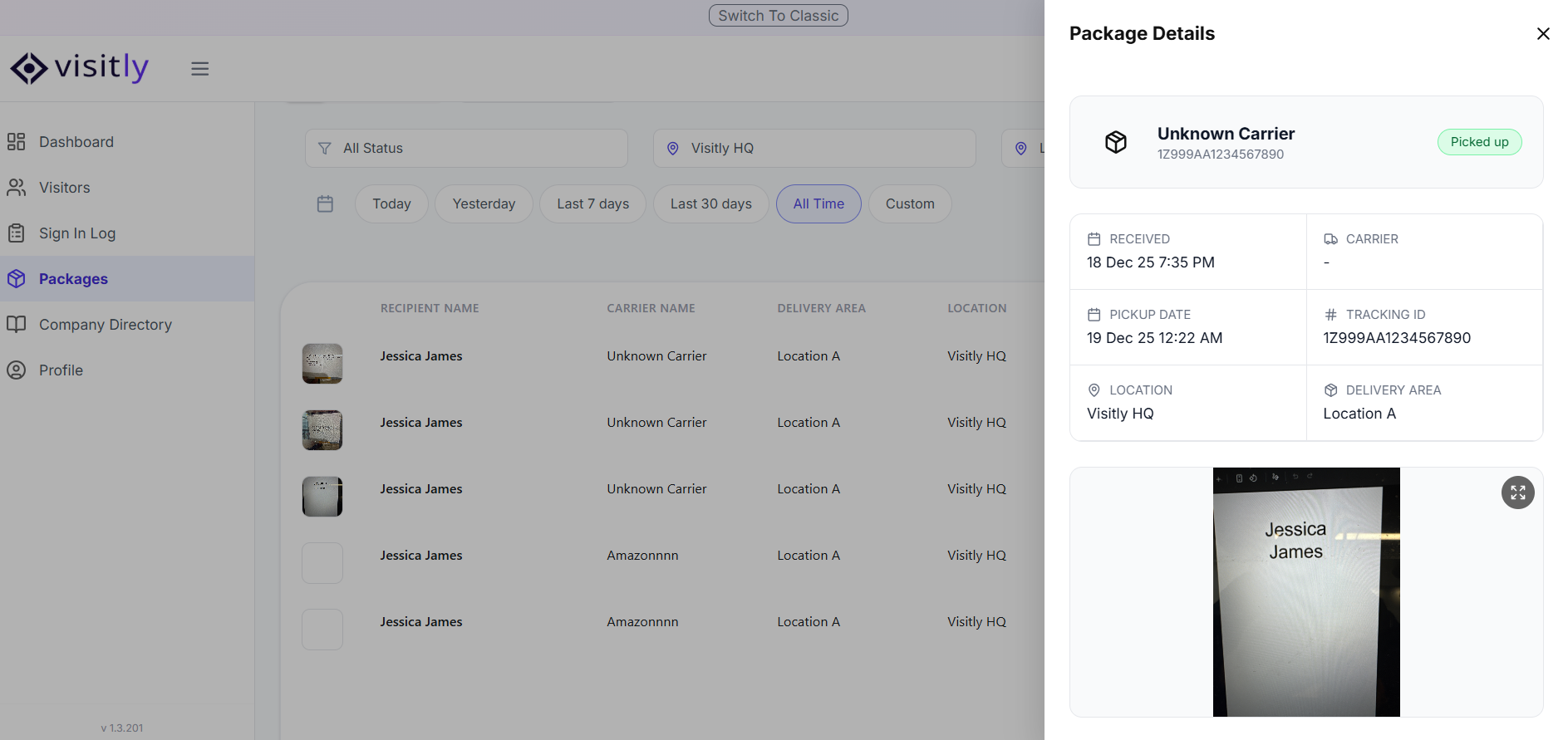
Click on any delivery to open the details page and view the full information for that package.
Actions
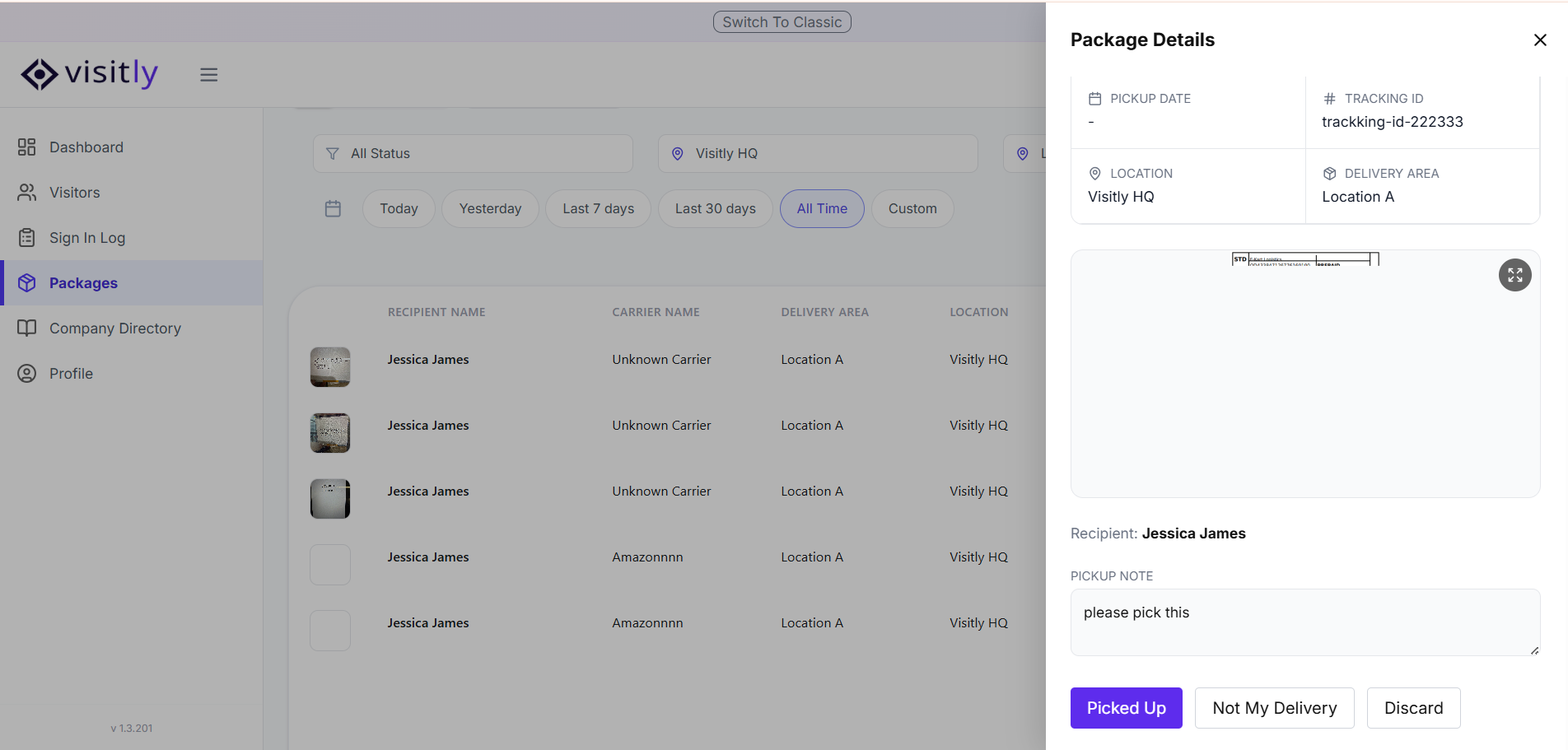
Once you're on the details page of a delivery, you can take one of the following actions:
- Picked Up — Mark the package as collected by the recipient.
- Not My Delivery — Flag the package if it has been incorrectly assigned to you.
- Discard — Mark the package as discarded if it is no longer needed.
Viewing Deliveries as a Delegate
If you are set as a delegate for another host, their deliveries will also appear in your Packages view. This makes it easy to manage and act on deliveries on their behalf without any extra steps. For any questions, feel free to contact our support team.
Was this article helpful?
That’s Great!
Thank you for your feedback
Sorry! We couldn't be helpful
Thank you for your feedback
Feedback sent
We appreciate your effort and will try to fix the article